View Multiple Images Side by Side - Free Online Tool
Free online tool to view multiple images side by side. Upload up to 9 images, drag, zoom, and compare them instantly. Perfect for designers and photographers - no registration required!
Why Choose Our Multiple Image Comparison Tool?
View Multiple Images Side by Side
View and compare up to 9 images side by side, easily identify differences
Flexible Adjustment
Drag, zoom, align to get the best comparison view
Fast & Efficient
No software installation required, use directly in browser
Frequently Asked Questions
How do I view multiple images side by side?+
Click "Add Zone" to create up to 9 viewing areas, then drag-and-drop images into each zone, paste image URLs, or click to upload from your device. Each zone supports independent zoom, pan, and resize.
How can I compare two images pixel by pixel?+
Load both images into 2 zones, then click "Pixel Diff". Differences are highlighted in red over a grayscale background. Adjust the threshold and intensity sliders to filter noise, or enable cluster mode to draw bounding boxes around major change regions. You can also export the diff result as a PNG.
How do I extract a color (HEX/RGB) from an image online?+
Click the "Color Picker" button to enable hover-to-pick mode. Move your mouse over any image to see a tooltip with the HEX code and RGB values. Click to copy the HEX value to your clipboard.
Is there a before/after slider for comparing two images?+
Yes. With exactly 2 zones loaded, click "Compare Mode" to enter the curtain slider view. Drag the vertical divider left and right to reveal each image. Press Escape to exit. There is also an A/B flash mode where holding spacebar toggles between the two images instantly.
Can I share my image comparison with someone else?+
If your images are loaded from URLs, click "Copy Share Link" to encode the current set of images into a URL. Opening the link on any device restores the same comparison. Locally uploaded files cannot be shared this way for privacy reasons.
Can I export a merged image of my comparison?+
Click "Export Merged" to download a single PNG containing all your zones laid out in a grid, including filename labels. Useful for sharing comparison results in chat, email, or design reviews.
Is this tool free? Do I need to sign up?+
Yes, completely free with no registration, no watermarks, and no upload size limits. Everything runs in your browser — your local images never leave your device.
Blog
Learn how to use our free online tool to view multiple images side by side. Discover tips and tricks for designers and photographers.
Read MoreEssential Gear for Creators
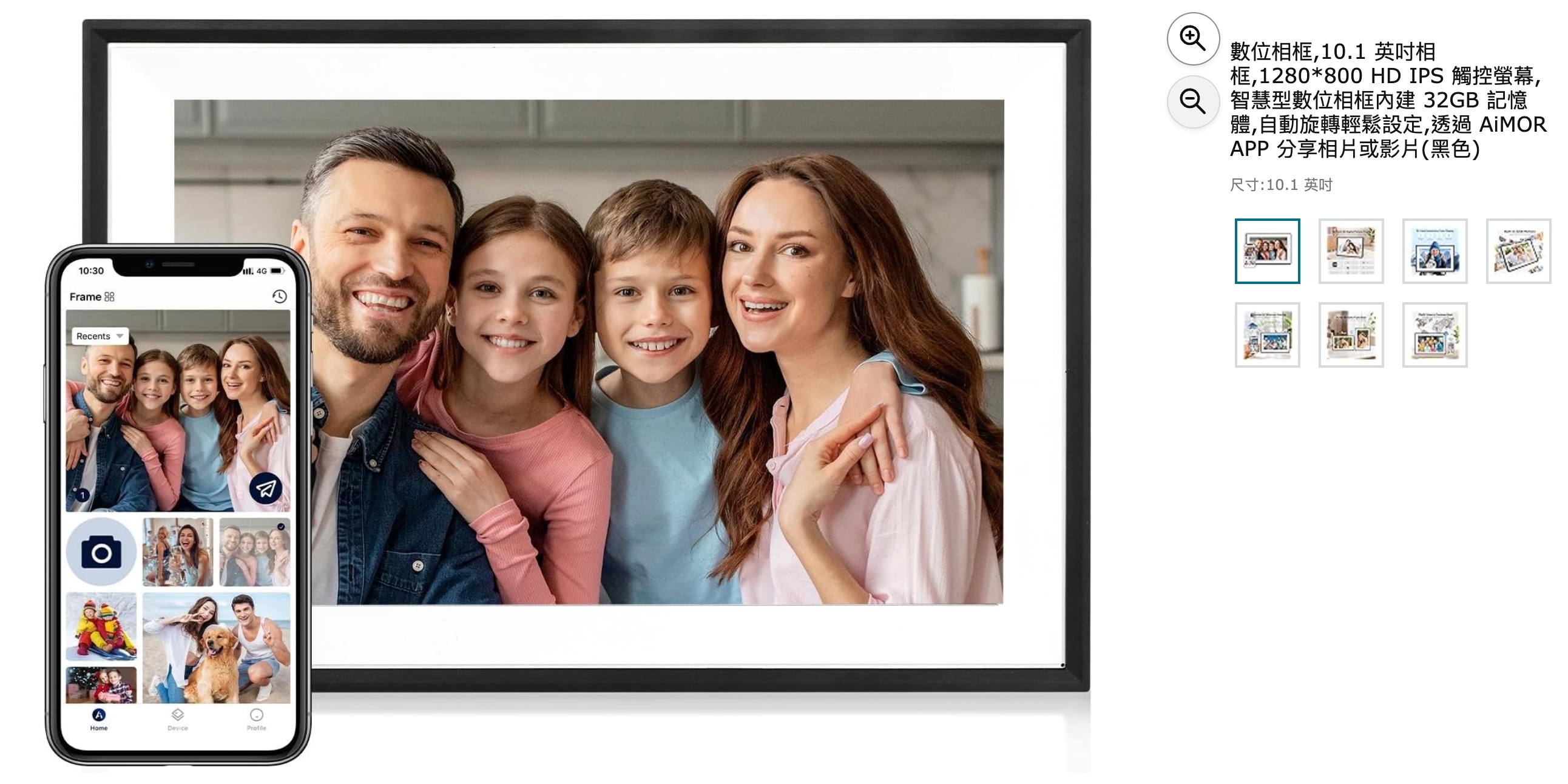
AiMOR Smart Digital Photo Frame
Turn your favorite shots into a living gallery. Built-in smart features auto-rotate your photos, setup takes minutes, and you can share new images or videos to the frame from anywhere — perfect for showcasing photography work or gifting to family.
Check Price on AmazonAs an Amazon Associate, I earn from qualifying purchases.